After a playtest we had a list of thirteen findings. All of them were addressed.
Navigation
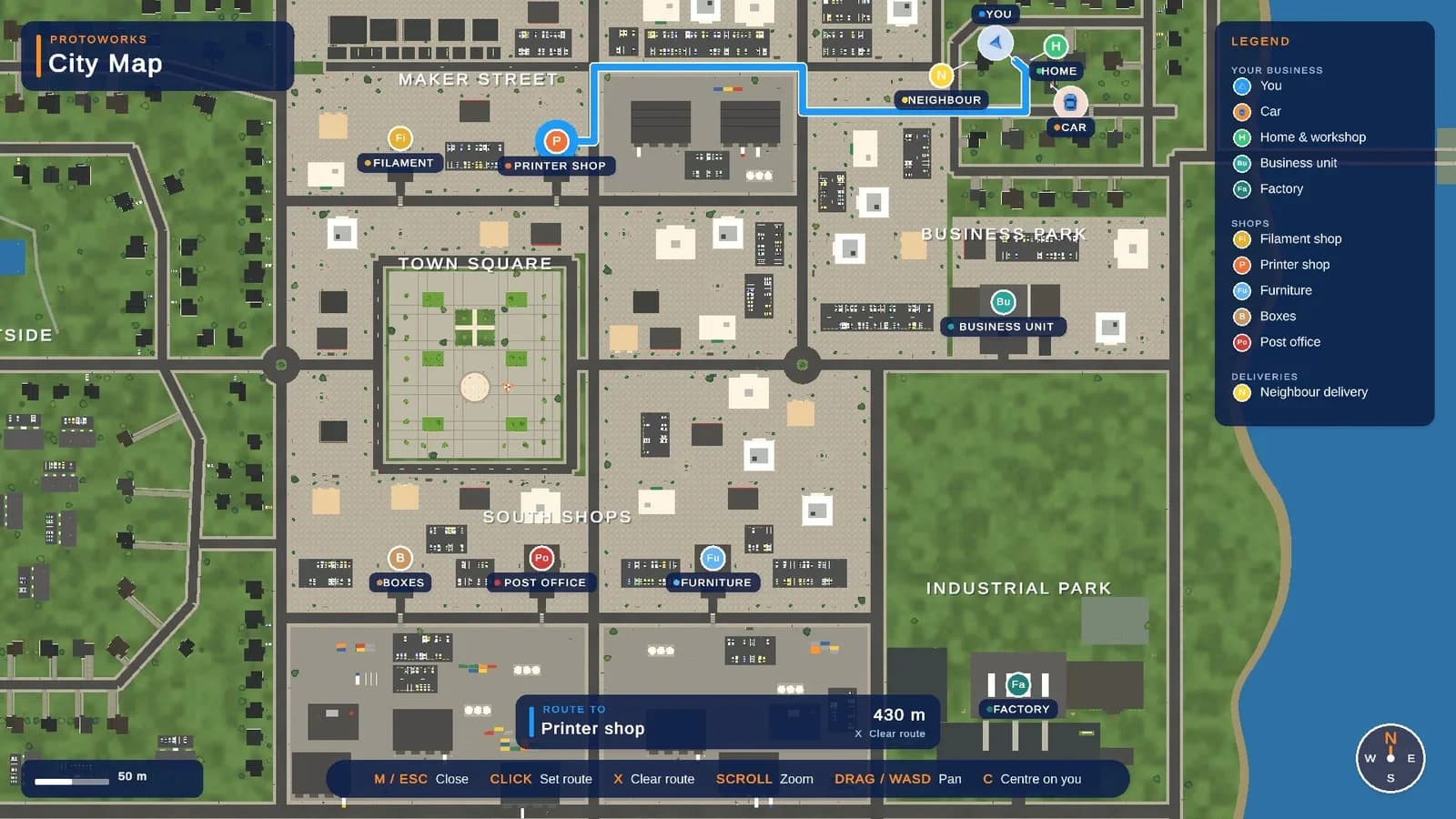
On the map (M), click a shop or any spot to get a blue route along the roads, on the map and on the minimap. It recalculates twice a second and clears when you arrive.
Clearer purchases
- Notifications show what you bought, picked up or loaded.
- A card at the bottom shows what you're holding and which keys you can use.
- A marker floats above purchased goods on the counter.
- A small dot in the centre of the screen turns blue when you look at something you can use.
New menus
All shop menus and the printer menu were rebuilt in a light, calm style, with cards, tabs and a clear order summary.
Small annoyances
Walls flickered through roofs and road markings flickered on the asphalt. A new script pushes overlapping faces a few millimetres apart. The van's wheels turned the wrong way, and in some shops you could walk through the windows. Those are fixed; a few small overlaps remain inside some shop models.
Performance test
Settings › Graphics now has a performance test of about 3 minutes. It drives through the world, puts 200 printers to work and shows what limits your FPS.