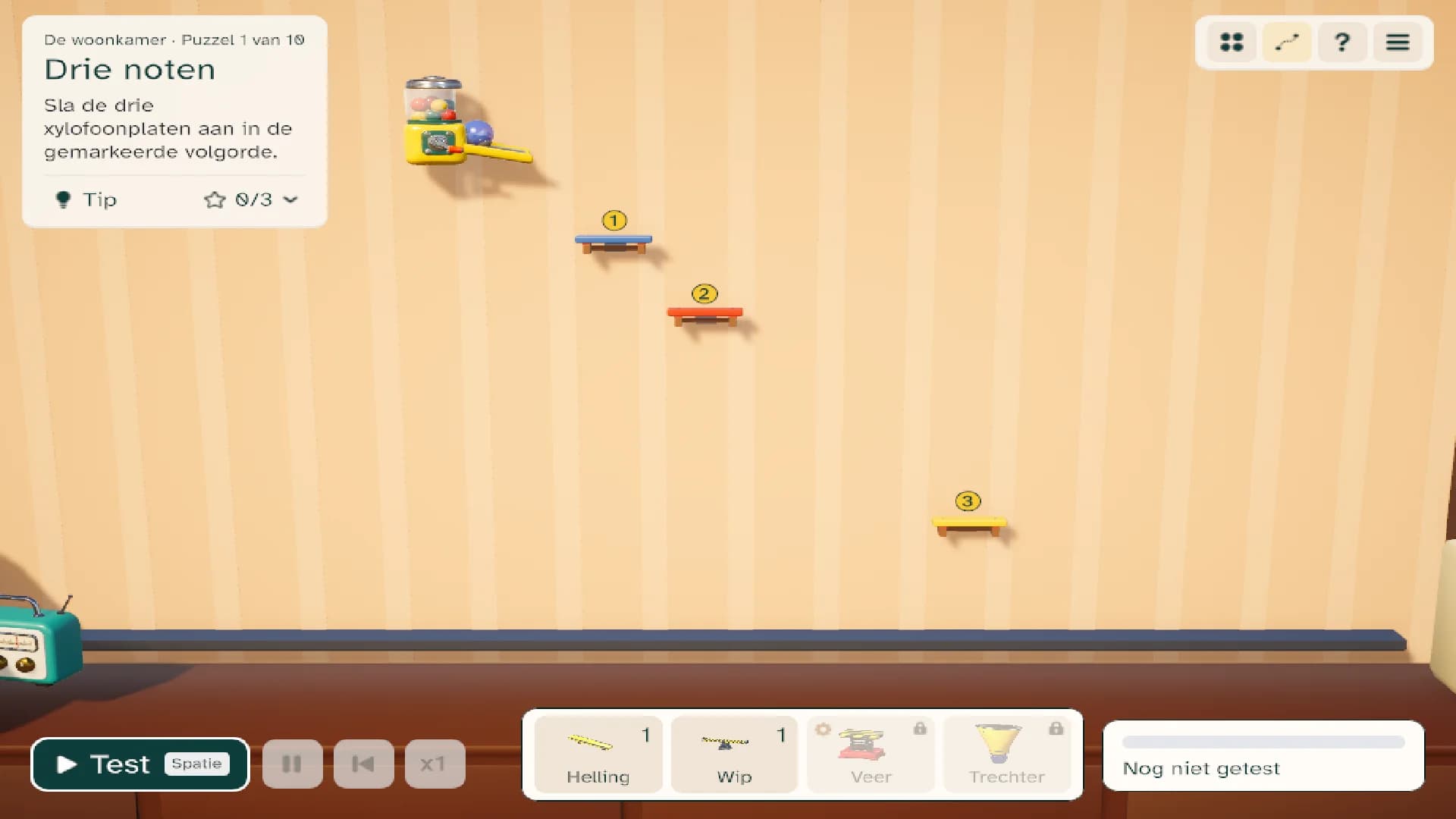
Building a chain reaction should be fun for everyone. Whether you're colour blind, have low vision, get uncomfortable with flashing images, can't use a mouse or would rather play with a controller on the couch. That's why we've spent a good chunk of the past few weeks on accessibility. In this devlog we show what's in ActionReaction, and why.
One screen with everything
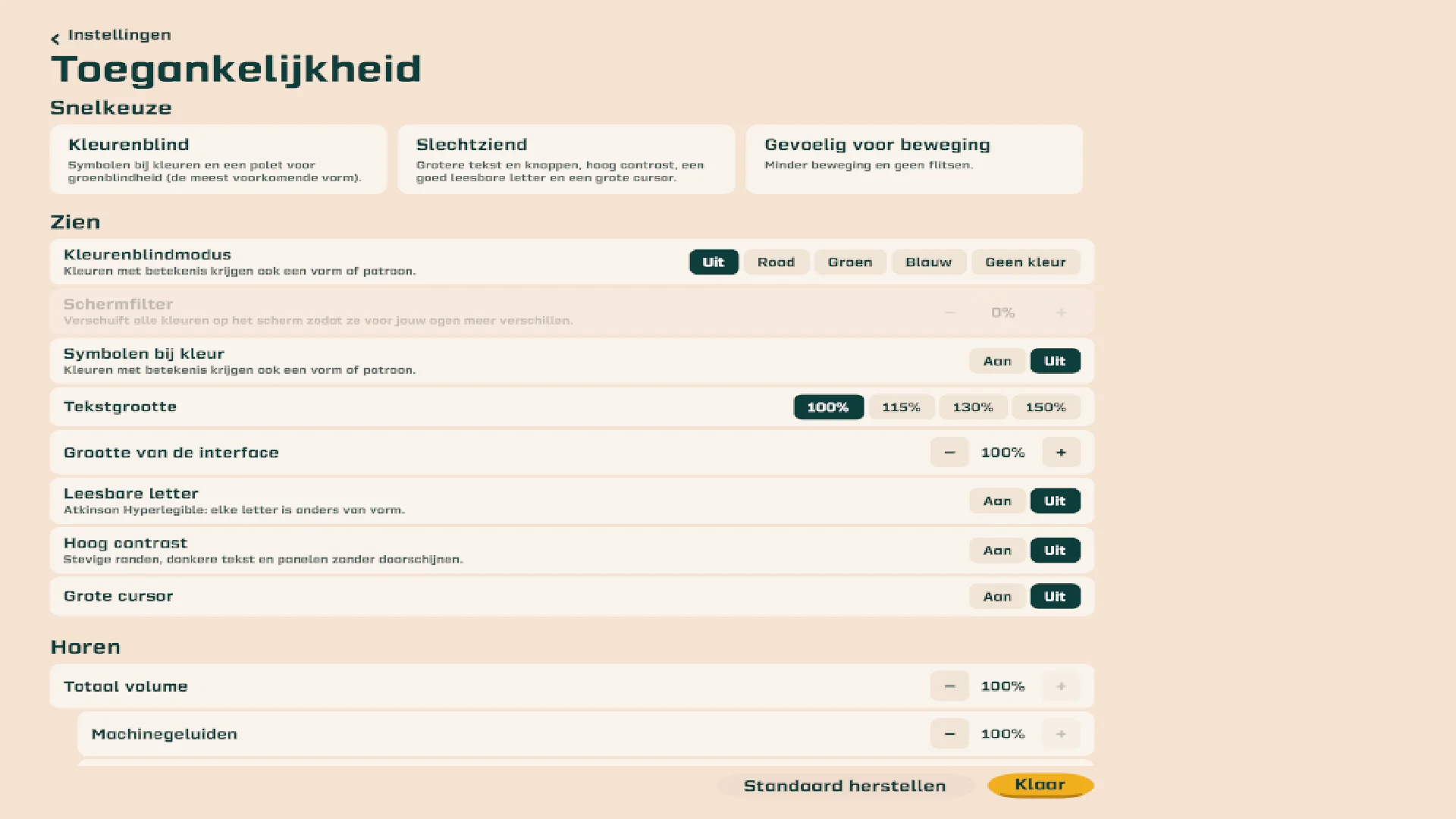
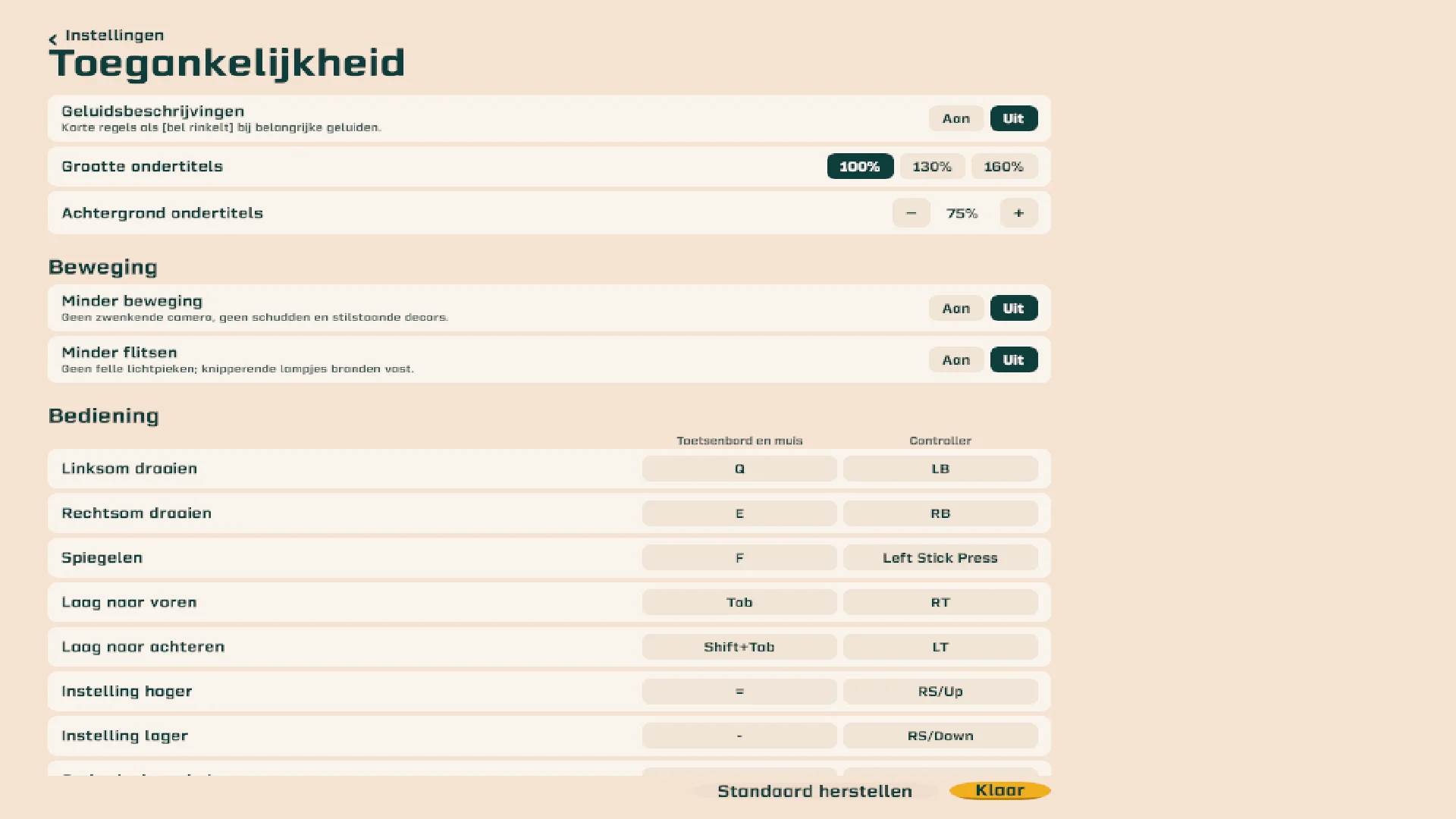
Under Settings → Accessibility you'll find it all in one place, grouped into Seeing, Hearing, Motion and Controls. Every option has a short line of explanation, so you never have to guess what a button does.
Not sure where to start? At the top are three quick presets:
- Colour blind: symbols next to colours and a palette for green blindness (the most common form).
- Low vision: larger text, high contrast, a very legible font and a large cursor.
- Motion sensitive: less motion and no flashes.
One click, and you can still fine-tune everything afterwards.
Colour is never the only clue
In ActionReaction, colour often means something. Marbles, drums, xylophone bars and robots have colours that belong together, and lamps tell you whether something is ready or not. If you have trouble telling red from green, that's a problem.
So every colour that carries meaning also gets a shape:
- blue is a circle
- red is a triangle
- yellow is a square
- green is a star
Lamps get a check mark or a cross. In colour vision mode (red, green, blue or no colour at all) the lamp colours change too: with red or green blindness "ready" turns blue and "stop" turns orange, and without colour "ready" is bright and "stop" is dim. On boards with several layers, every part wears a numbered layer chip, so you can see what's in front and what's behind without relying on colour.
If you want, there's also a screen filter that shifts all colours so they stand apart more for your eyes.
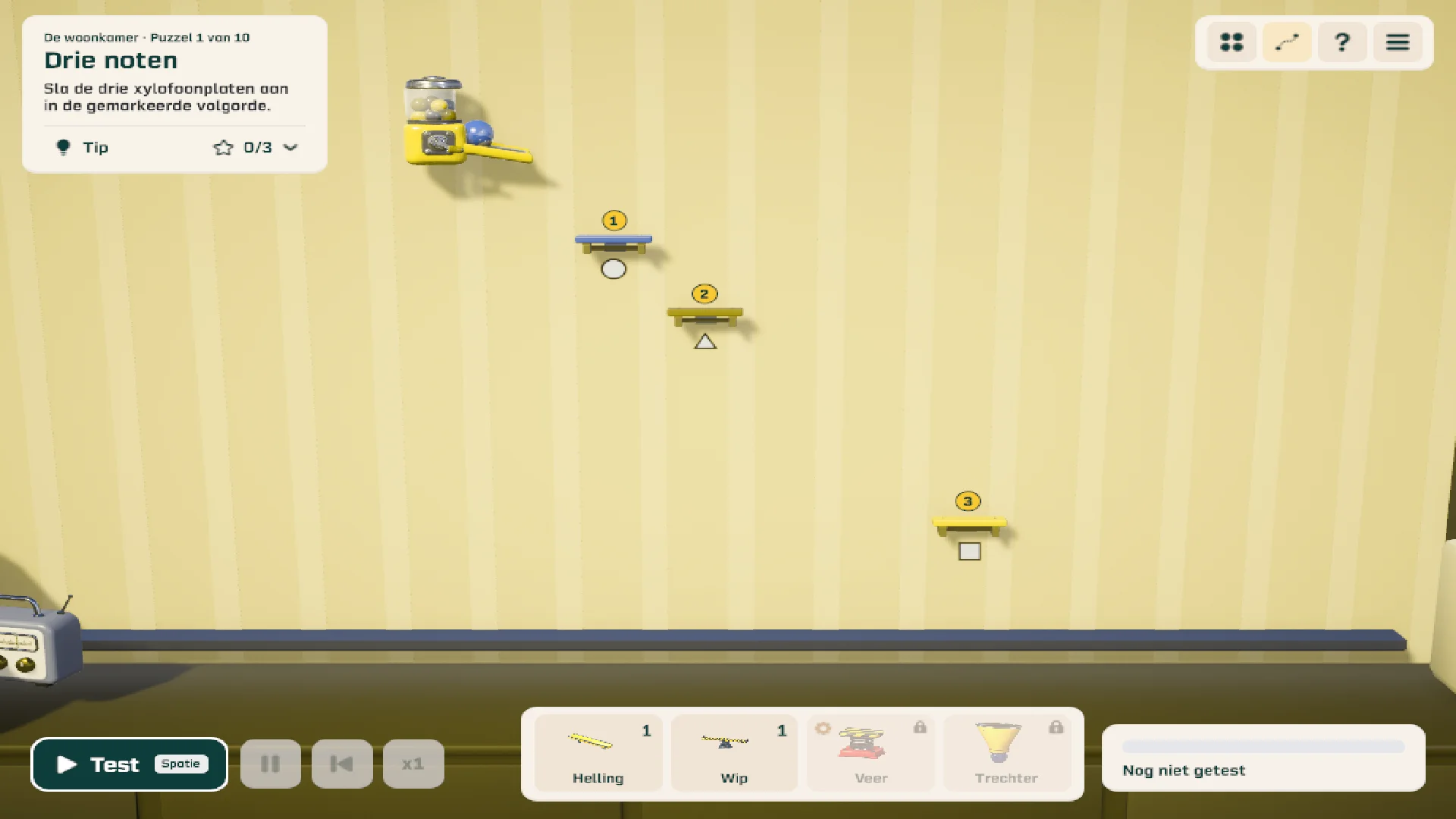
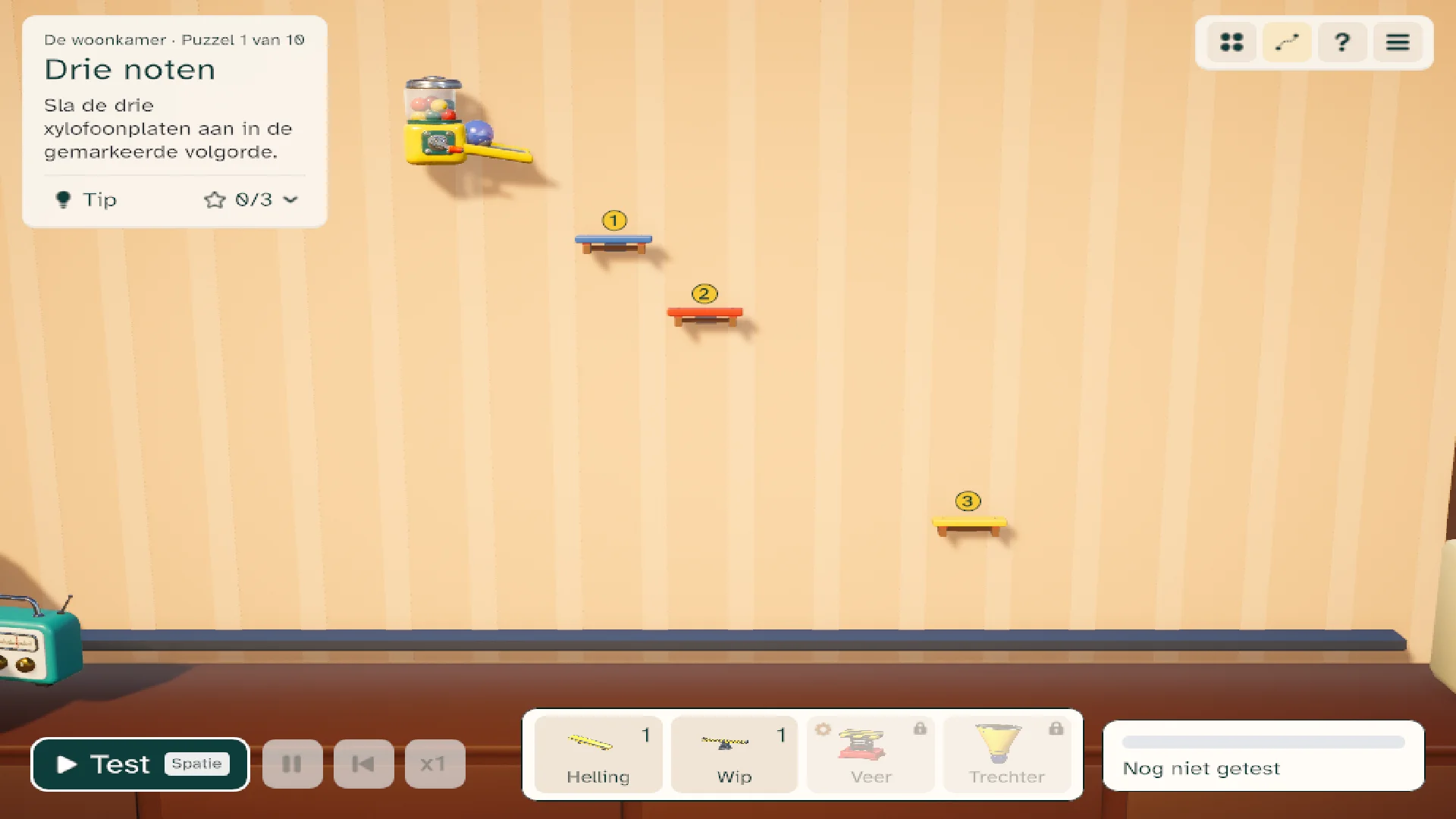
Above is the same puzzle as a player with green blindness sees it. The blue, red and yellow bars look alike, but the symbols underneath tell you exactly which is which.
Easy to read
You should be able to read text without squinting. You can:
- set the text size to 100, 115, 130 or 150 percent;
- make the whole interface larger or smaller (from 80 to 150 percent);
- turn on high contrast: solid borders, darker text and panels you can't see through;
- pick a large cursor;
- and switch to a legible font.
That font is Atkinson Hyperlegible, designed by the Braille Institute for people with low vision. Every letter has its own distinct shape, so you won't mix up I, l and 1, or 0 and O.
Hearing, or not
A chain reaction makes a lot of noise, and that noise tells you what's happening. But not everyone can hear it, or wants everything at the same volume.
- Volume per kind of sound: next to the master volume you can set machine sounds, interface clicks and the intro film separately.
- Mono, for players who hear with one ear or have one earbud in.
- Subtitles for spoken lines, like the announcer in the intro film.
- Sound captions: short lines like [bell rings], [spring: boing] or [glass breaks] for important sounds. So even without sound you know your chain reaction is doing what it should.
You can make captions larger (up to 160 percent) and choose how dark the strip behind them is.
Easy on the eyes
Some players get headaches, or worse, from lots of motion or bright flashes. With Reduce motion the endless machine behind the main menu stands still. With Reduce flashes the photo camera's flash is soft and blinking lamps simply stay lit.
Play your way
Every action in the game can be rebound, for keyboard and mouse as well as controller, side by side in one list. Rotating, flipping, moving a layer forward or back, testing, rewinding, the camera: it can all go on the key or button that works best for you. Camera left and right can also switch from hold to toggle, so you don't have to keep a button pressed.
The whole game can also be played with a controller. A hand cursor moves with the left stick, slows down over parts and snaps to the nearest part on its own. In menus you jump from button to button with the D-pad. On Steam Deck and in Big Picture, the on-screen keyboard opens by itself when you need to type.
And of course you can play ActionReaction in English or Dutch.
A kit for all our games
Behind the scenes we didn't build this just for ActionReaction, but as a standalone toolkit: the Clipstore Accessibility Lab. We can carry it into every future Clipstore game. That way accessibility is never something we'll "get to later": it's there from day one.
What do you think?
Missing something, or does an option not work for you the way you hoped? Let us know. In the game, press F1 to send us feedback directly. We learn the most from the players who really need these options.
Thanks for reading, and see you in the next devlog!