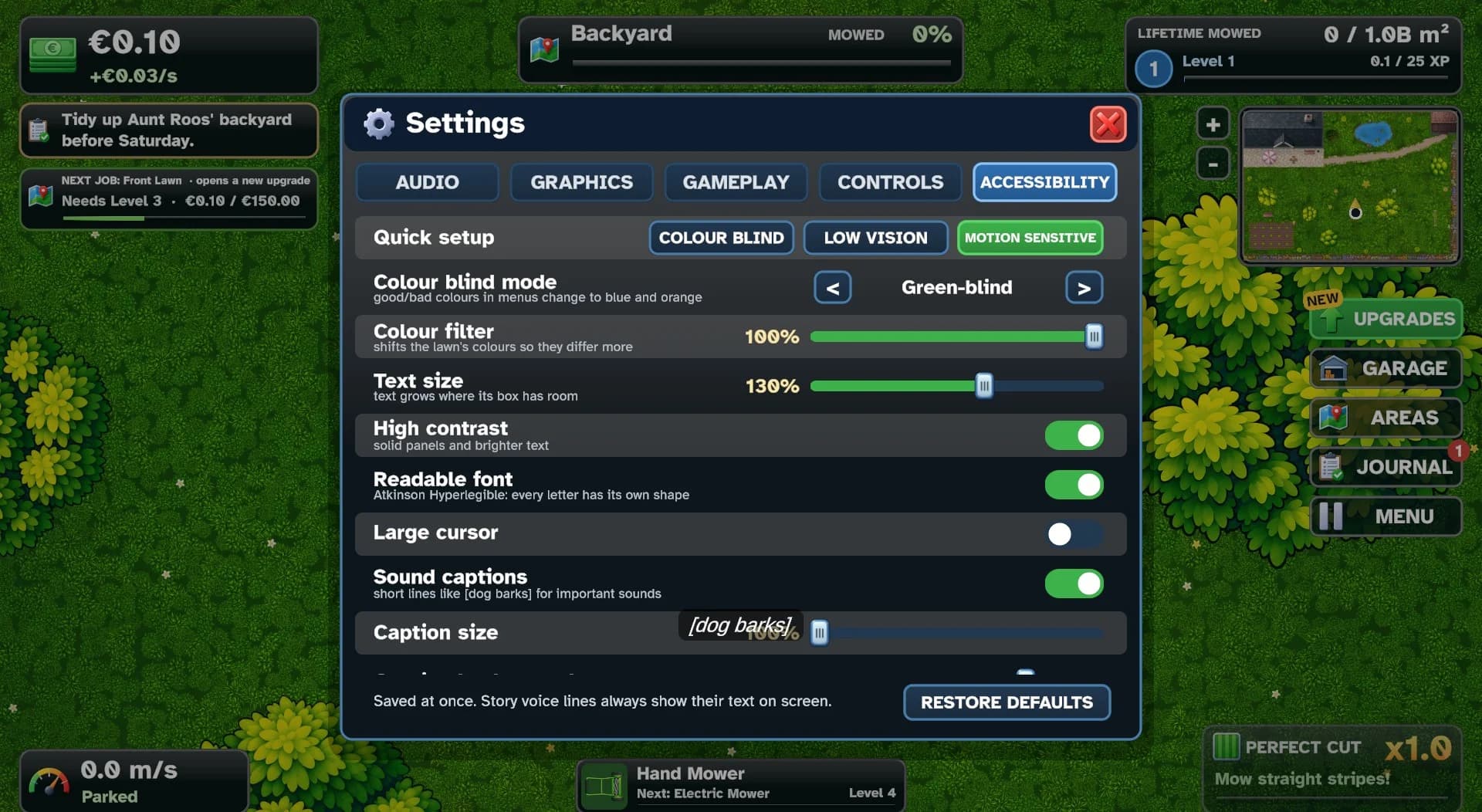
A lawn does not care who mows it. The game should not either. That is why Lawn Mower Empire now has a fifth tab in its settings: ACCESSIBILITY. Everything on it is saved the moment you change it, and the whole interface restyles itself straight away, so you see the effect before you close the window.
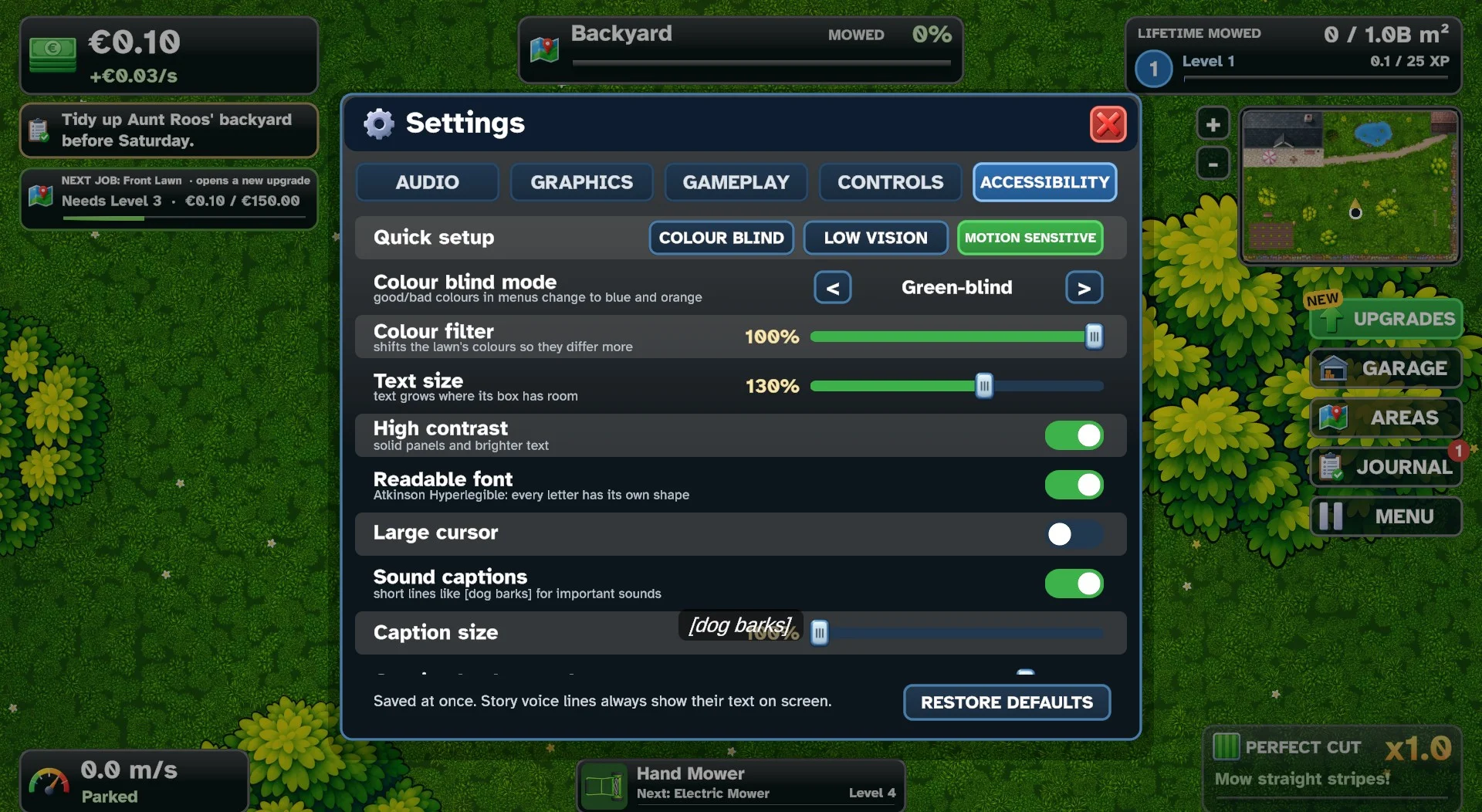
Quick setup: one press
Not sure where to start? At the top are three quick setups that switch on a group of options in one go:
- Colour blind: a colour mode for green-blindness, the most common form.
- Low vision: bigger text, high contrast, a readable font and a large cursor.
- Motion sensitive: less motion and no flashes.
Below them you can still tune every option on its own.
Seeing it clearly
- Text size goes up to 150%. Text grows wherever its box has room, so nothing spills over the edge.
- Readable font switches the whole game to Atkinson Hyperlegible, a typeface in which every letter has its own shape, so an I, an l and a 1 never look alike.
- High contrast makes panels solid and text brighter, and on light backgrounds (the paper letters, the gold buttons) text turns darker instead.
- Large cursor for when the mouse pointer keeps getting lost on a big screen.
Colours that stay apart
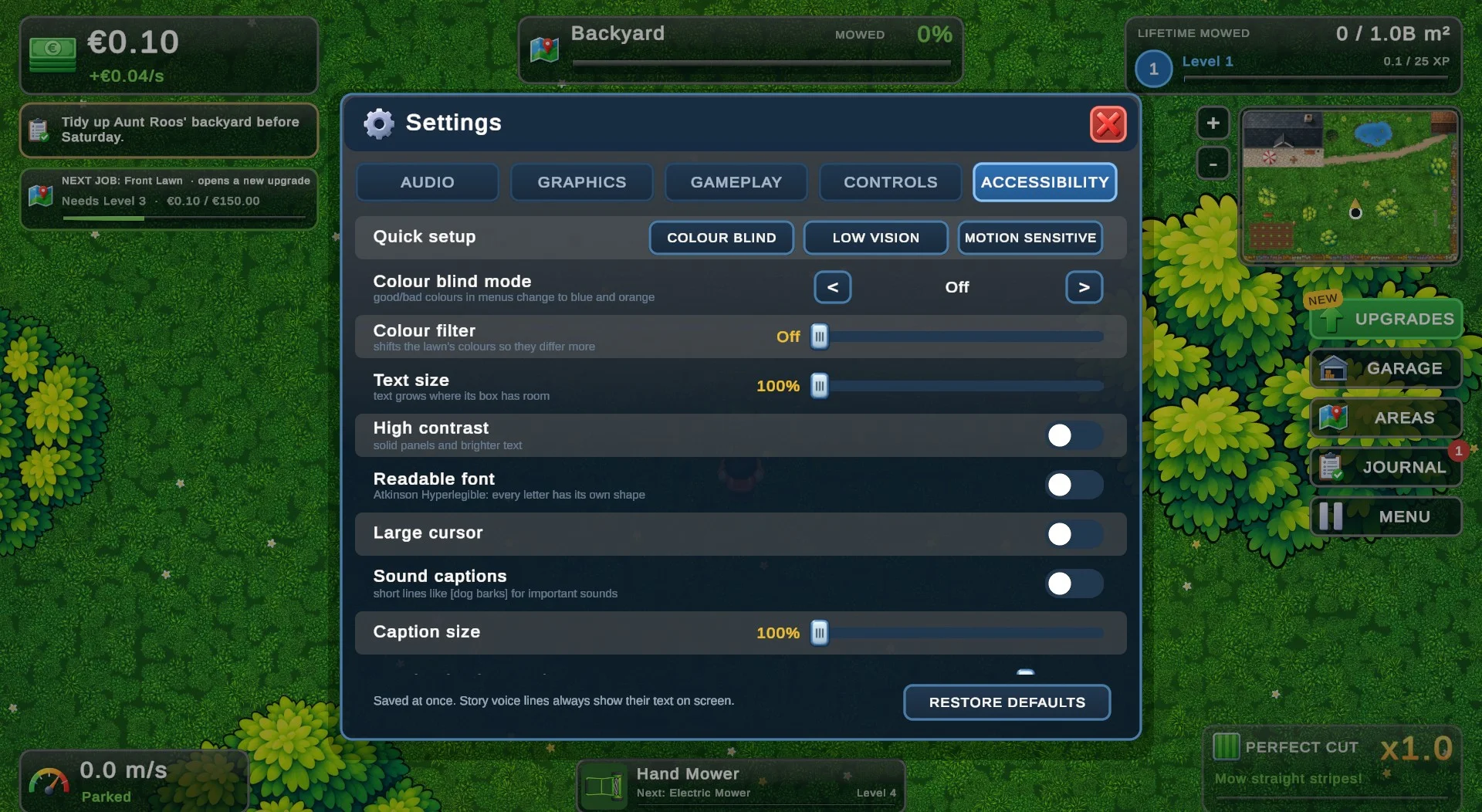
A mowing game is mostly green, and in the menus green means good and red means bad. For players who see red and green as almost the same colour, that is a problem. The colour blind mode has settings for red-blind, green-blind, blue-blind and no colour at all. With red- or green-blindness, good and bad in the menus turn blue and orange, colours that stay clearly apart. On top of that, a colour filter shifts the colours of the lawn itself, from off to 100%, so cut and uncut grass are easier to tell apart.
Hearing without hearing
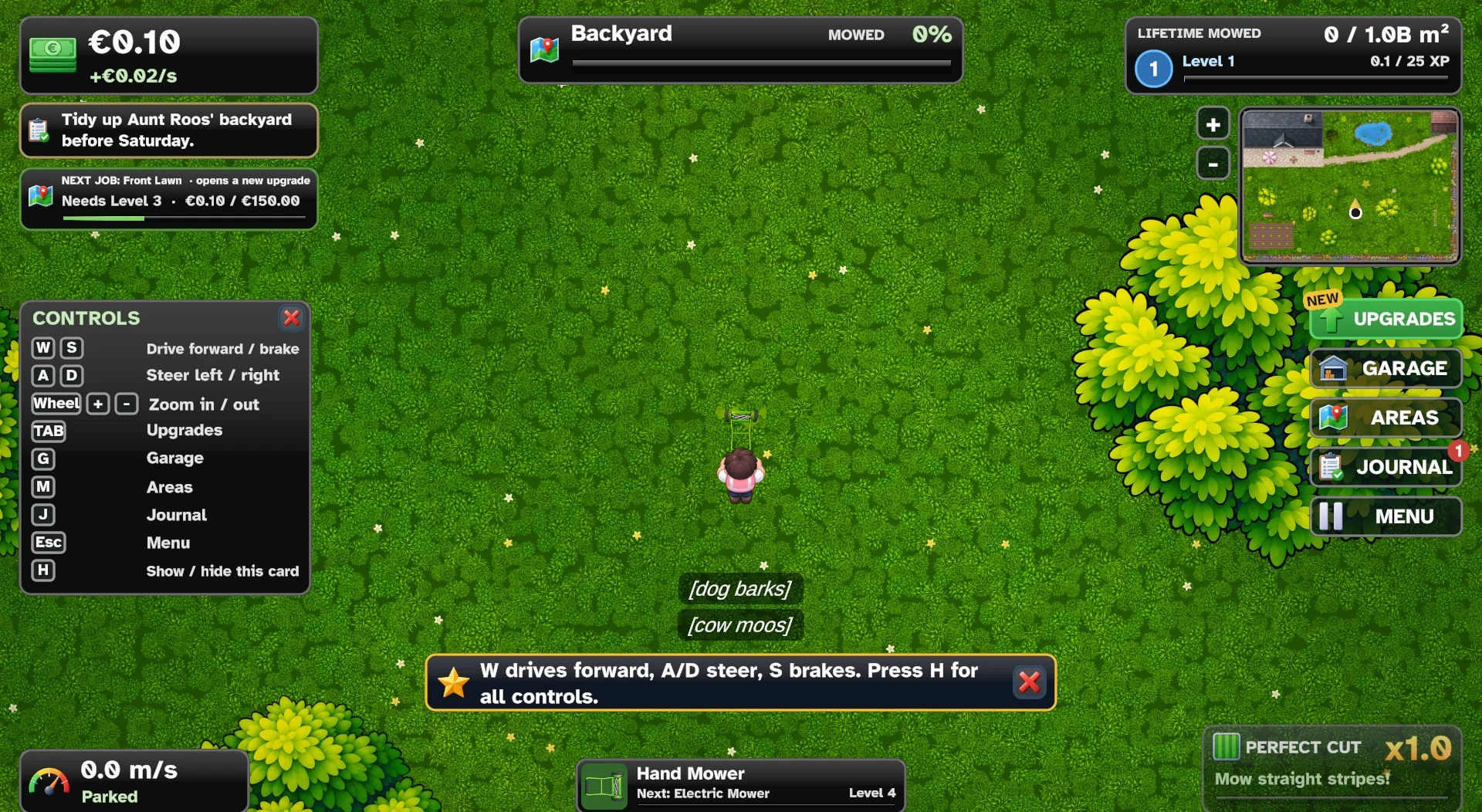
A lot happens in the background of a lawn: a dog barks, a cow moos, children play, a plane flies over, a ball gets kicked and in the backyard the crowd cheers for a goal. With sound captions on, short lines such as [dog barks] or [upgrade unlocked] appear for every important sound. You choose how big they are and how dark the background behind them is. Story voice lines always show their text on screen anyway.
Mono audio puts left and right together, for players who hear on one side only.
Calmer on the eyes
Reduce motion stops the screen shake and makes panels slide in without bouncing. Reduce flashes removes camera flashes and bright bursts, such as the flash when a golden card turns over.
And what was already there
The new tab sits on top of things the game already had:
- Every control can be rebound on the CONTROLS tab, for keyboard and controller, with an adjustable stick dead zone for controllers that drift a little.
- Full controller support, from the main menu to the last upgrade.
- Two control schemes: steer the mower itself, or simply push the stick in the direction you want to go on the map.
- Steering assist that finishes each turn on a straight line, so your stripes come out straight without fine motor work.
- A controls card that shows every button and stays open until you close it.
Accessibility is never finished, so if you miss something, press F8 in the game and tell us. The feedback window goes straight to us.